In development
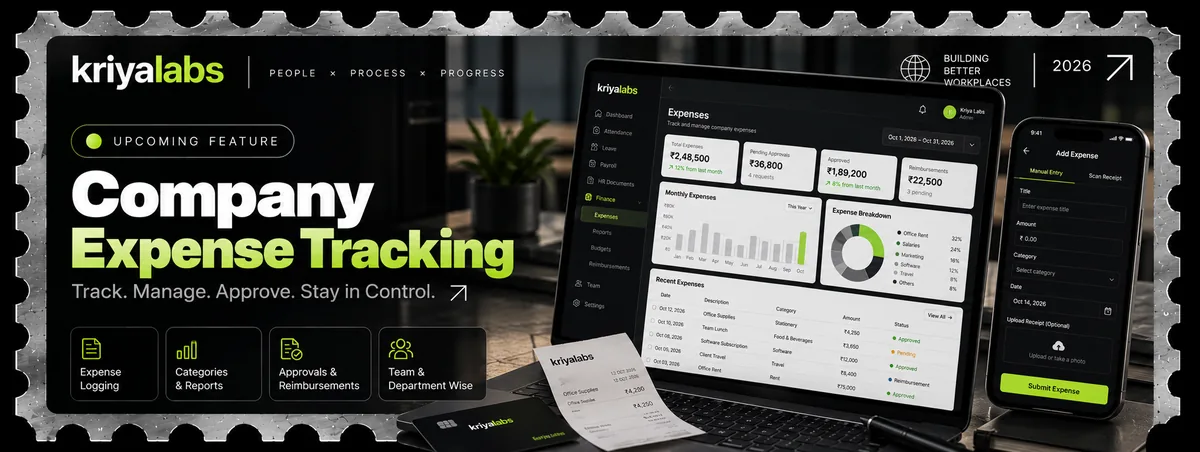
Company Expense Tracking
Track. Manage. Approve. Stay in Control.
Keeps company expenses in one place. Log an expense by hand or by scanning a receipt, sort it into a category, send it for approval and reimbursement, and see reports by team and department.
- Expense logging
- Categories and reports
- Approvals and reimbursements
- Team and department wise
Log an expense
Enter it by hand or scan a receipt, and attach the receipt.
Approve and reimburse
Pending requests go for approval, and approved ones move to reimbursement.
Review the reports
See spending by category, team and department.
Build progress
20%
Current build progress. Updated as the work moves forward.